
How to use Cursor for Non-Engineering use cases
🧠 Test new features, Visualize codebases, Send prototypes to Figma using the new Claude Code integration. Get to grips with the essential Cursor use cases in under an hour. Knowledge Series #101
🔒The Knowledge Series is available for paid subscribers. Get full ongoing access to 100+ technical explainers and AI guide and tutorials to grow your technical knowledge at work. Multiple new guides are added every month.
Claude Code has taken up much of the limelight during the first few months of 2026 and arguably, rightly so, given just how many new improvements and capabilities Anthropic has shipped over the past few months.
But Cursor is often the tool that many folks use to run Claude Code, and over the past few weeks, Cursor has been quietly shipping an impressive bunch of updates of its own. Just this week, Cursor launched a new Plugins marketplace which, like its Claude counterpart, packages up Skills, Agents and MCP integrations to allow product teams to implement some pretty impressive workflows.
Cursor is used by some of the world’s leading tech companies, including Stripe, who recently rolled it out to over 3,000 engineers. But product managers, designers and other non-technical team members are increasingly using Cursor as a daily driver for building all sorts of useful things, too.
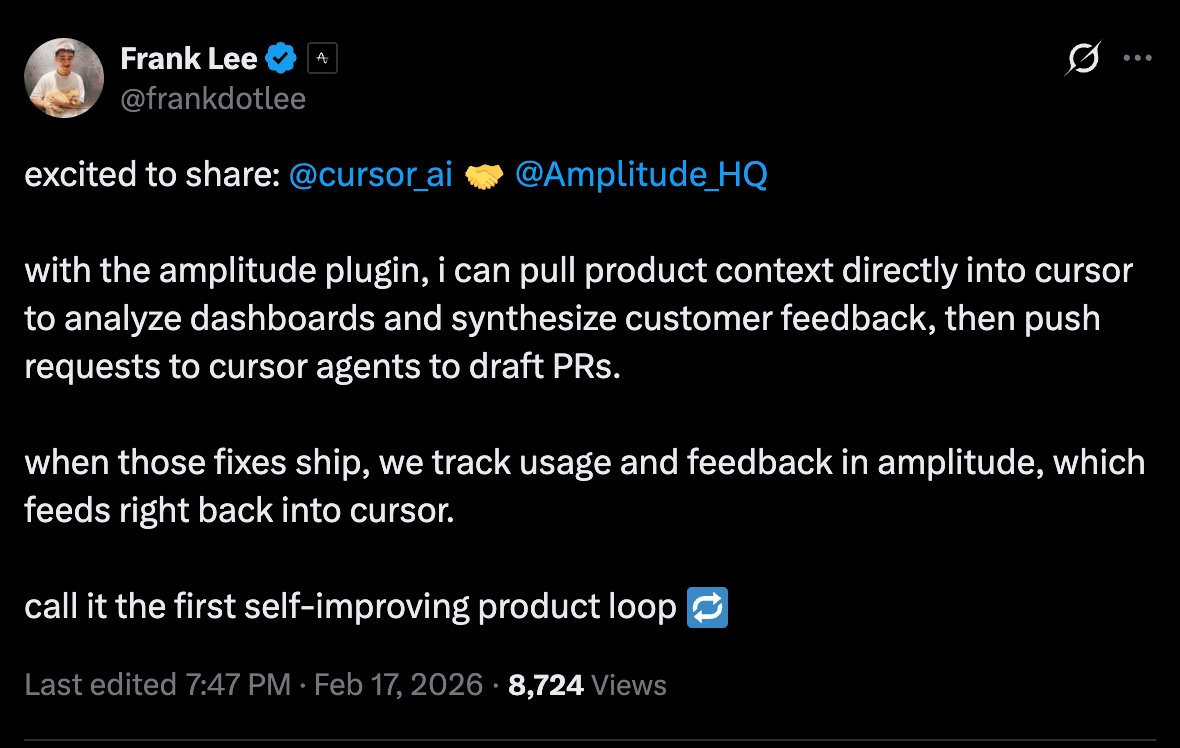
After the release of Plugins this week, Amplitude’s PM Frank Lee said that Cursor is now his go-to place for analyzing product data dashboards:
And with vibe coding and prototyping now officially becoming part of the interview process at many tech companies, having at least some knowledge of how Cursor works is becoming essential.
Most guides on Cursor are designed for engineers, as you might expect, given that it’s technically a development tool. But this Knowledge Series is specifically designed to explore use cases for non-engineers like product managers, designers or folks who want to use it to expand their AI knowledge.
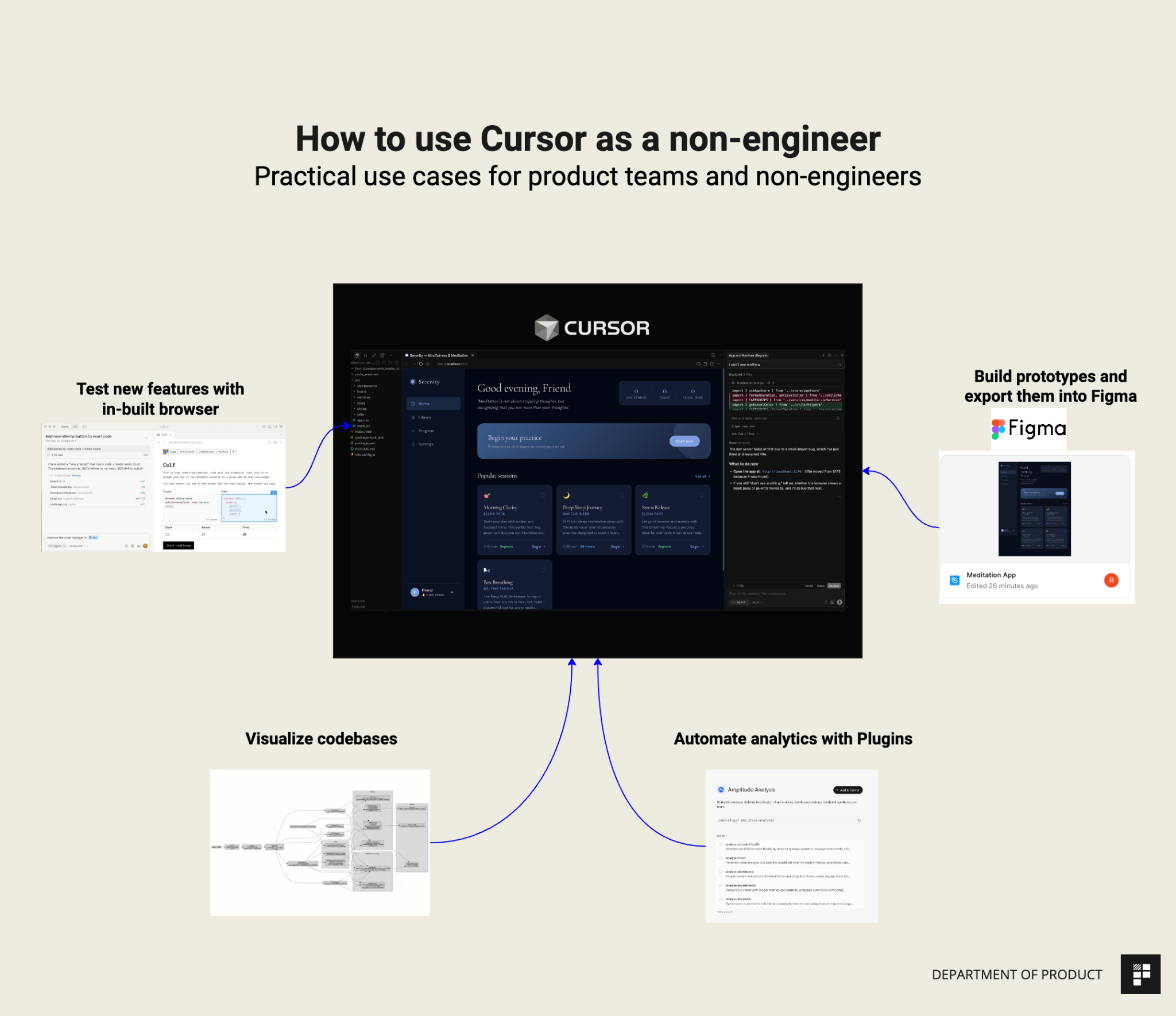
We’ll walk through all of the essential things to know about Cursor’s interface and core functionality as well as practical, real world tasks for product teams including testing and editing new features in Cursor’s native Browser and new Design side bar, how to generate visual diagrams of code bases, how to use Cursor’s new plugins to build a product analytics pipeline and how to use Claude Code in Cursor with Figma’s new MCP to build and edit prototypes.
If you’ve experimented with Cursor in the past, are completely new to it or would just like a refresh, this guide covers everything you need to know from a product / non-engineering perspective to get up to speed in under one hour.

Coming up in this Knowledge Series
This is split into 2 core sections: the first is focused on getting set up and the second is where we’ll work through some practical examples together.
Section 1 - Get to grips with the basics of Cursor and its core functionality
What Cursor is and why it’s worth a PM’s time even if you’ve never touched a code editor
A quick tour of the interface. We’ll focus on the parts you’ll actually use as a non-engineer and ignore the rest.
How to set up your working directory - one of the most important things to get right before you start
What you can do on the web vs. the Mac app (launching background agents)
Section 2 - How to use Cursor as a non-engineer - Practical use cases we’ll explore together:
Understand a codebase with visualizations to get up to speed with your tech stack
Test new features with Cursor’s native Browser capabilities.
Build a product analytics insight pipeline that uses Cursor’s new Plugins to connect Amplitude, Notion and Linear. The workflow monitors key metrics, surfaces anomalies, auto-creates investigation tickets, and updates a Notion doc with findings.
Connect Cursor to Claude Code and Figma to build basic prototypes using their new MCP features.
We’re going to cover a lot in this guide but to speed things up and keep things as simple as possible, you’ll get a downloadable codebase for a basic meditation web app that you can use for each of the examples.
Getting to grips with the basics
Before we take a look at some practical use cases together, let’s first familiarise ourselves with the basics.