
What is a Command Line Interface and why do they suddenly matter to product teams?
🧠 The ultimate guide to CLIs for non-engineers and why AI is leading to a CLI renaissance. Practical examples from Stripe, Google and more.
🔒 The Knowledge Series breaks down emerging AI technologies with practical playbooks designed specifically for product teams. Get 100+ guides and practical tutorials covering everything from Claude Code and MCP to agentic workflows, vibe coding, and more.
Command line interfaces have been in the headlines for all sorts of reasons over the past few weeks.
OpenAI’s co-founder called them “super exciting”, Ramp’s CPO says they’ve seen usage of their CLI accelerating aggressively over the past few months and Spotify’s CPO said that their experimental new CLI product is something he now uses “every morning”.
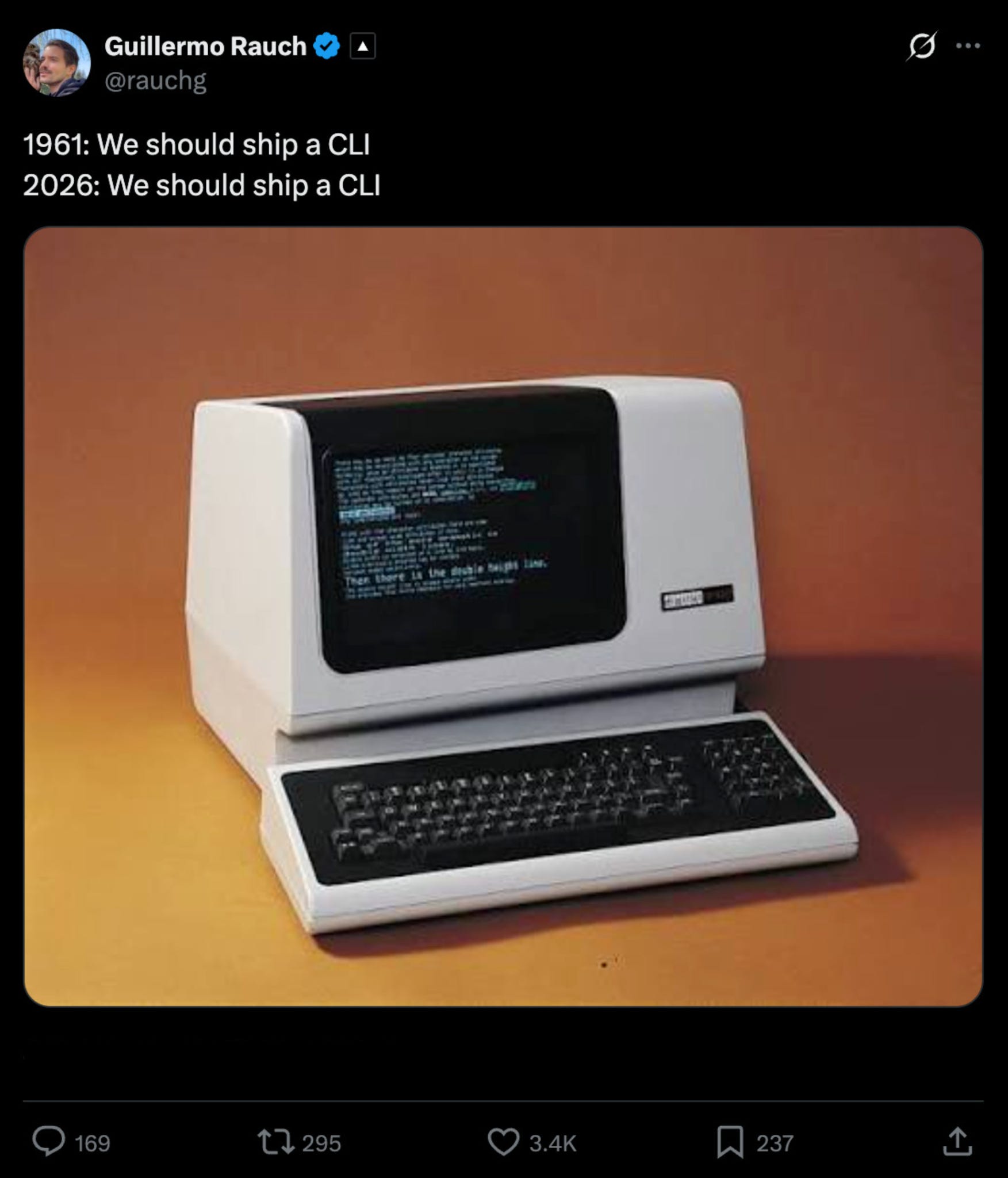
Command line interfaces are an old technology, but they’re now experiencing a renaissance, in part thanks to AI agents, which Vercel’s CEO neatly captured in this meme:
And while CLIs have been traditionally used exclusively by engineers, they are now being rapidly adopted by non-engineers and product teams as AI makes them easier to use.
But what exactly is a CLI, and if they’re such an old fashioned concept why should product teams really care about them in 2026?
In this Knowledge Series, we’ll unpack everything you need to know - with some practical guides on how to get some hands on experience with it.
Coming up:
What is the Command Line Interface and why does it matter?
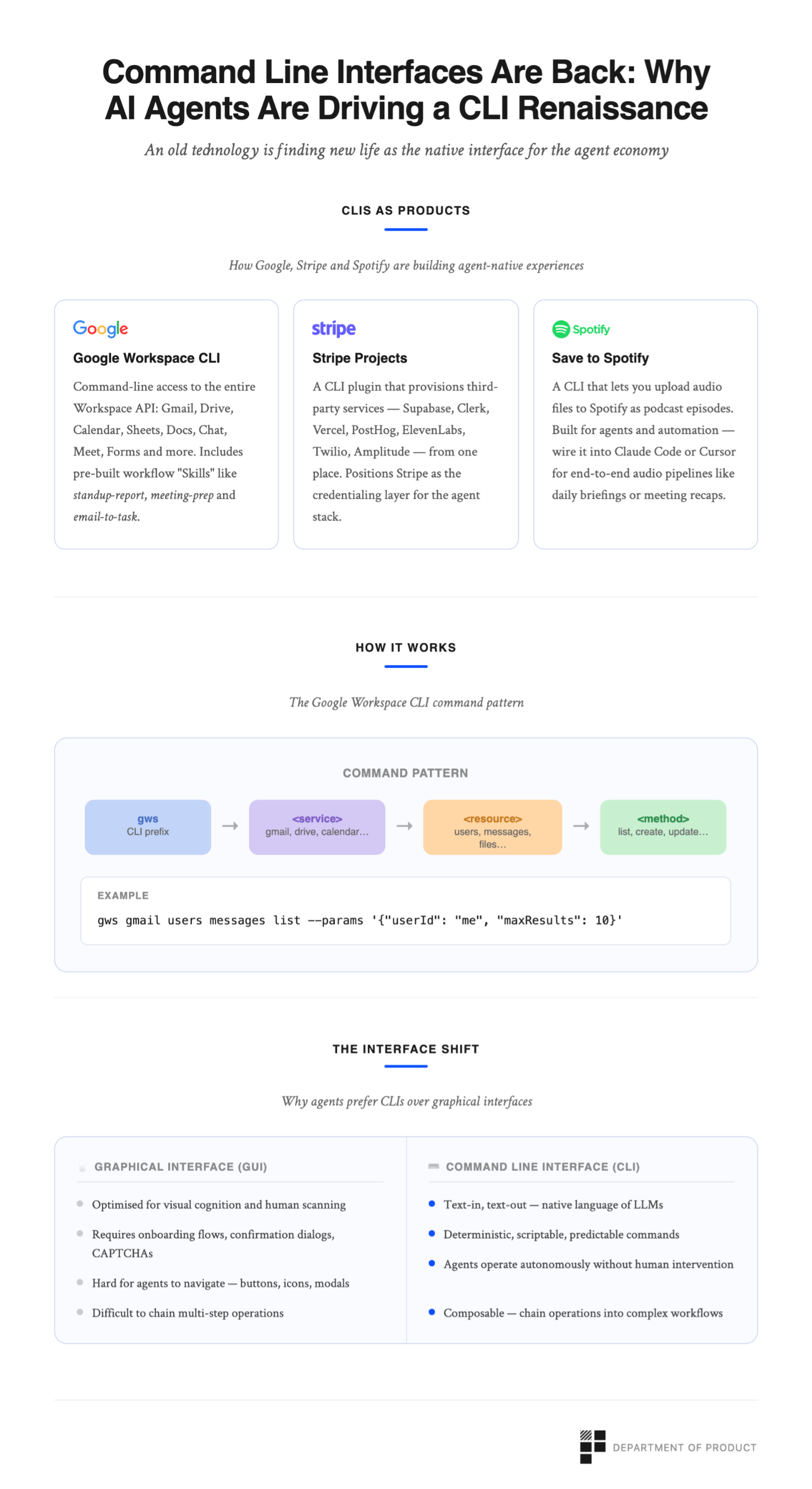
Recent CLI product releases from Google, Stripe and Spotify
Hands-on: how to use the Google Workspace CLI - practical use cases for product teams explored
The future - are CLIs likely to become a major new platform for new product feature releases? What is the strategic benefit of launching a CLI?

What’s a Command Line Interface?
A Command Line Interface, or CLI, is one of the oldest and most fundamental ways humans interact with computers. Instead of clicking buttons or tapping icons on a screen, you type text commands into a terminal.
CLIs predate pretty much everything we think of as “modern” product design. For decades, they were the only way to use a computer before graphical interfaces arrived in the 1980s. Which makes it all the more ironic that in 2026, we’re not reverting back to this headless way of interacting with products.
What CLIs can do
The Command Line Interface is designed to allow a user to do anything you can do with a traditional mouse and keyboard - and more. This includes actions like:
Read and write files - A CLI can create, copy, move, rename, delete, and search files.
Run programs and scripts - any script you write gets executed from the command line. This is how you kick off data processing jobs, run tests, start servers, and schedule tasks.
Talk to the internet - you can hit any API, pull data from a URL, or post data somewhere - without writing a single line of application code. This is how CLIs talk to web services.
Automate repetitive work - anything you do more than once can become a script. So for example, you use could rename 500 files, send a weekly report, back up a folder, process incoming data.
Interact with external tools and services - this is what the recent CLI wave is about. Tools like the GitHub CLI, Stripe CLI, and Google Workspace CLI turn services you’d normally click through into something scriptable and composable. More on that later.
As you’d expect, you interact with Command Line Interfaces by using commands. We won’t get too bogged down in the specific commands you can use but here’s a snapshot of some of the most practically useful commands.
Traditionally, you’d have to learn these commands off by heart to truly be able to use a CLI, which made them off-limits to non-engineers. But AI is starting to change that.
Why Command Line Interfaces are popular again
AI coding assistants like Claude Code, OpenAI’s Codex, and others are increasingly capable of operating autonomously and these agents live in the terminal. They speak the language of CLIs natively.
Graphical interfaces optimize for visual cognition. Humans can scan a toolbar, recognize an icon, and click it in under a second but AI agents like text. Large language models (LLMs) are text-native in that they read text, reason about text, and generate text. A CLI is a text-in, text-out interface - which is why they’re now experiencing a resurgence.
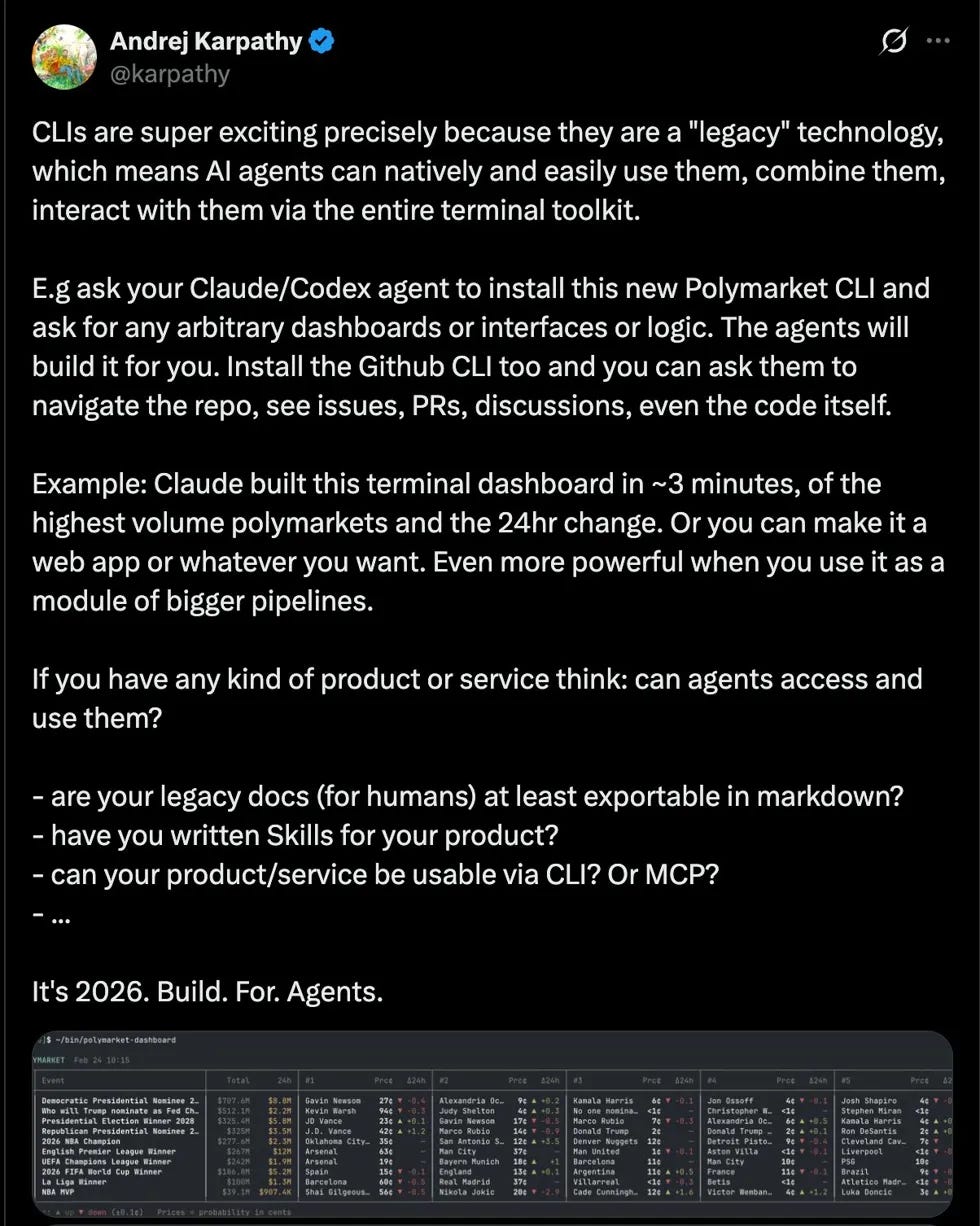
Andrej Karpathy, OpenAI’s co-founder says that CLIs are super exciting precisely because they are a legacy technology - and that product teams should prepare to build for Agents:
This creates new demand for CLIs that simply didn’t exist a few years ago. When your users are increasingly software agents rather than humans, the design requirements of your interface start to change. Agents don’t need or care about friendly onboarding flows. Instead, they need deterministic, scriptable, composable interfaces. And that’s exactly what CLIs can do.